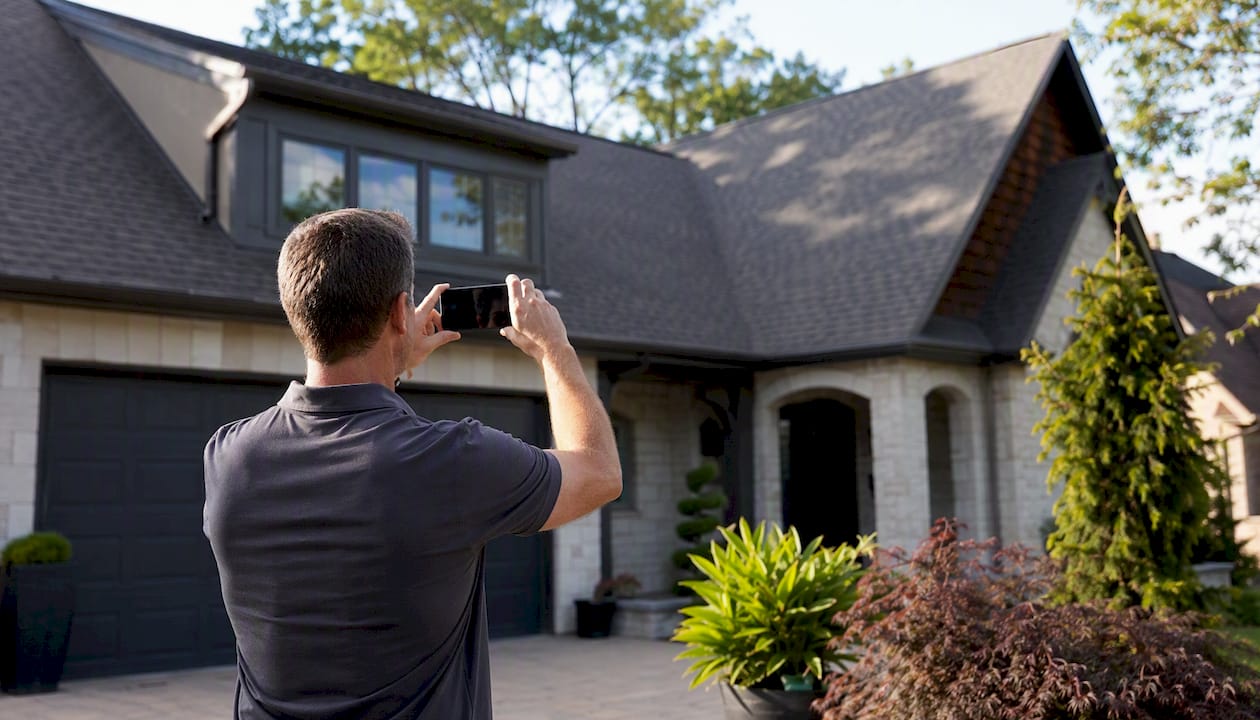
To quote your EV charger installation, we need six photos of your home, plus one screenshot from your utility account. Take a look below — it shows what to take, so you know before you start. Two minutes with your phone — just open the panel door, don’t remove the cover.
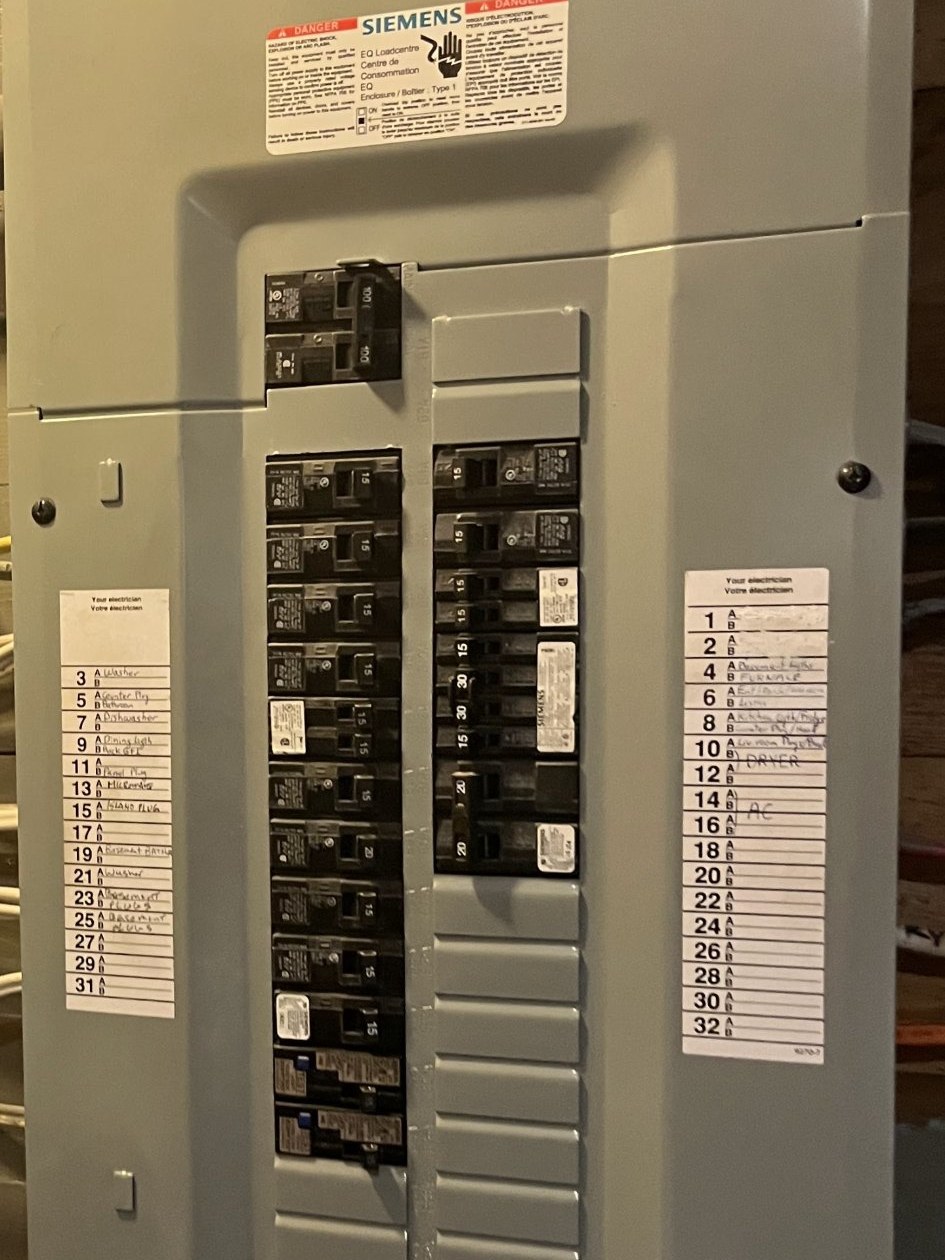
Panel close-up
Open the panel door if you have one — do not unscrew the cover. Flash on, get close enough that the main breaker number and breaker labels are readable.
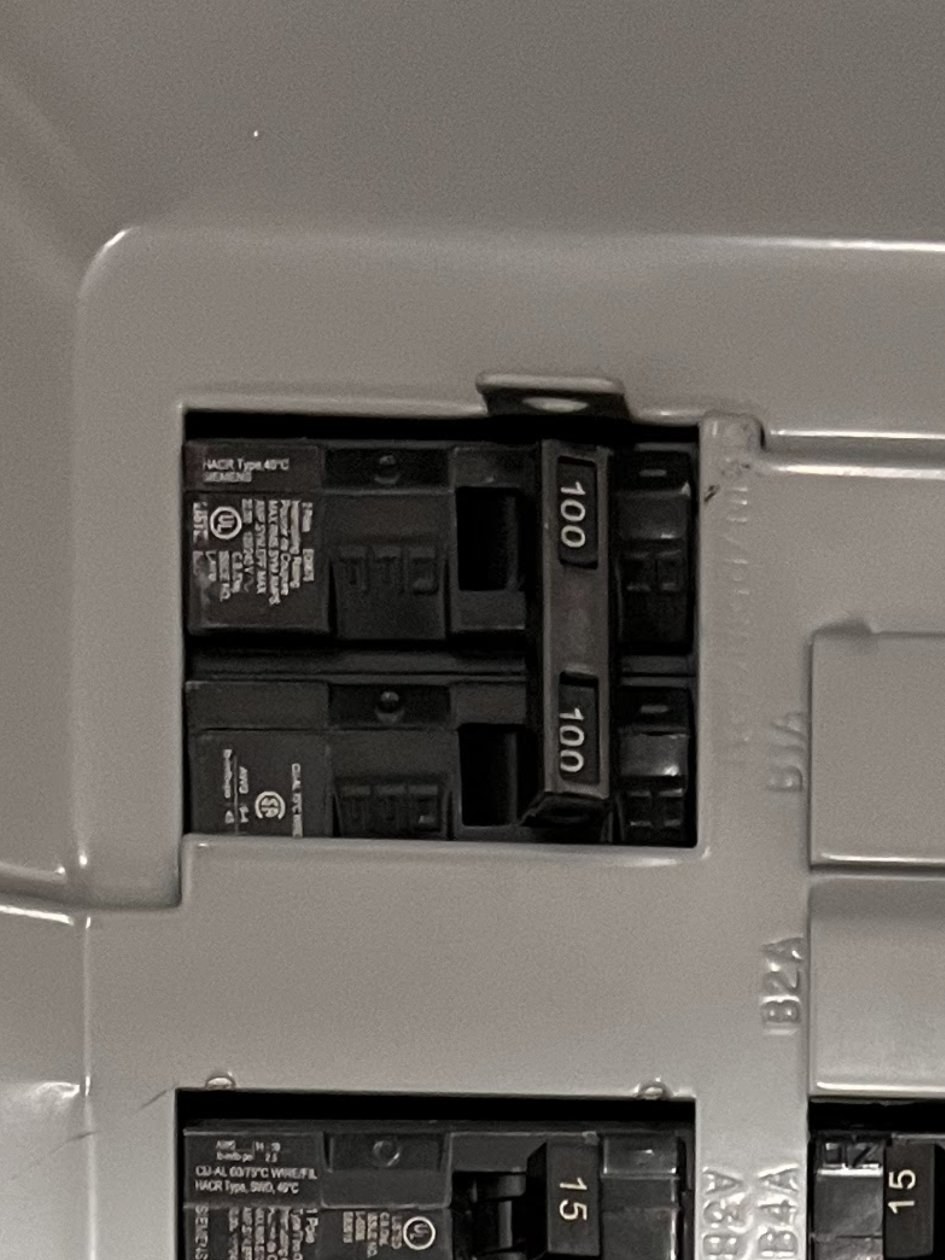
Main breaker close-up
Get close to the main breaker — usually at the very top of the panel. We need to read its number (100, 200…).
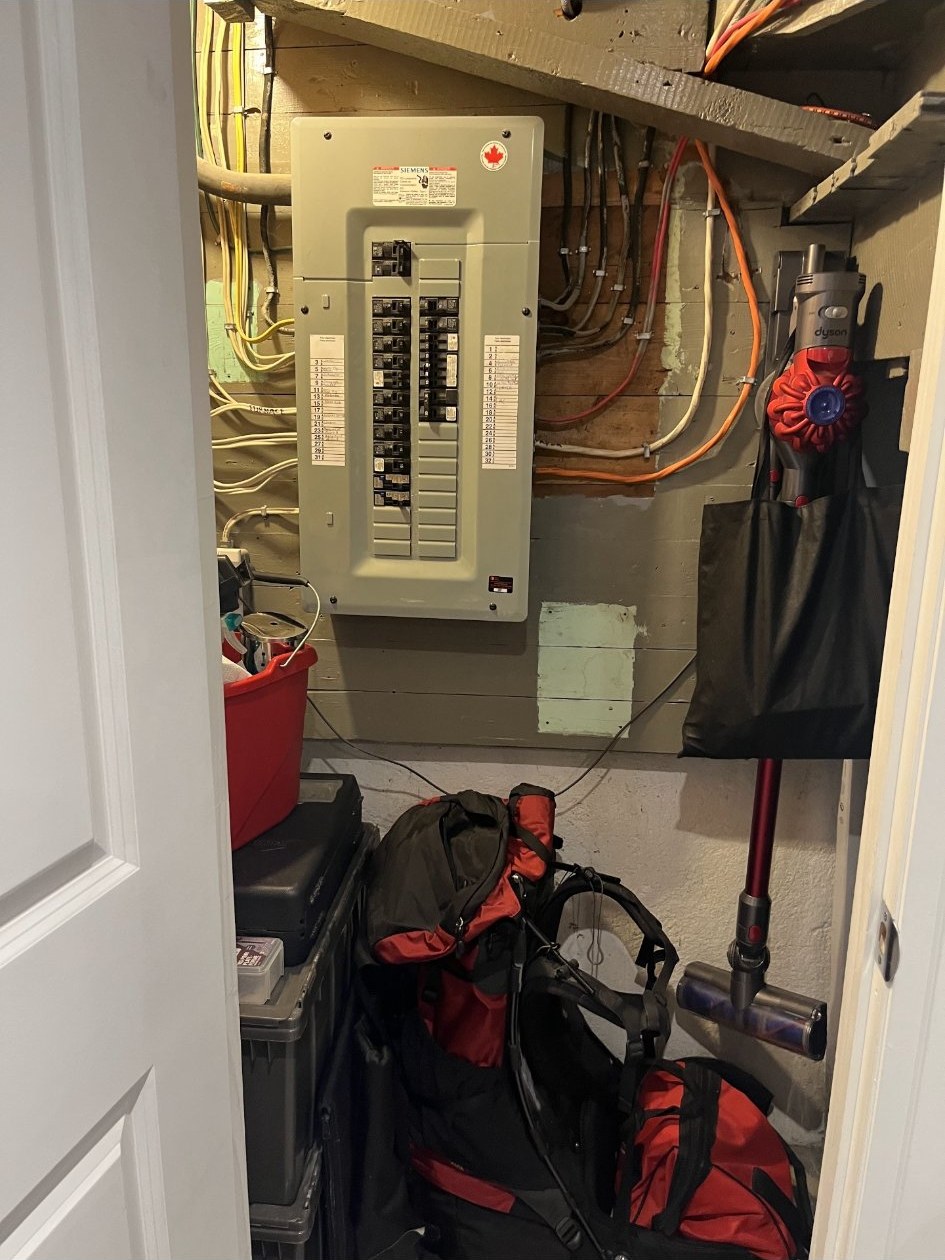
Panel wide shot
Step back 6–8 feet and capture the whole area around the panel.
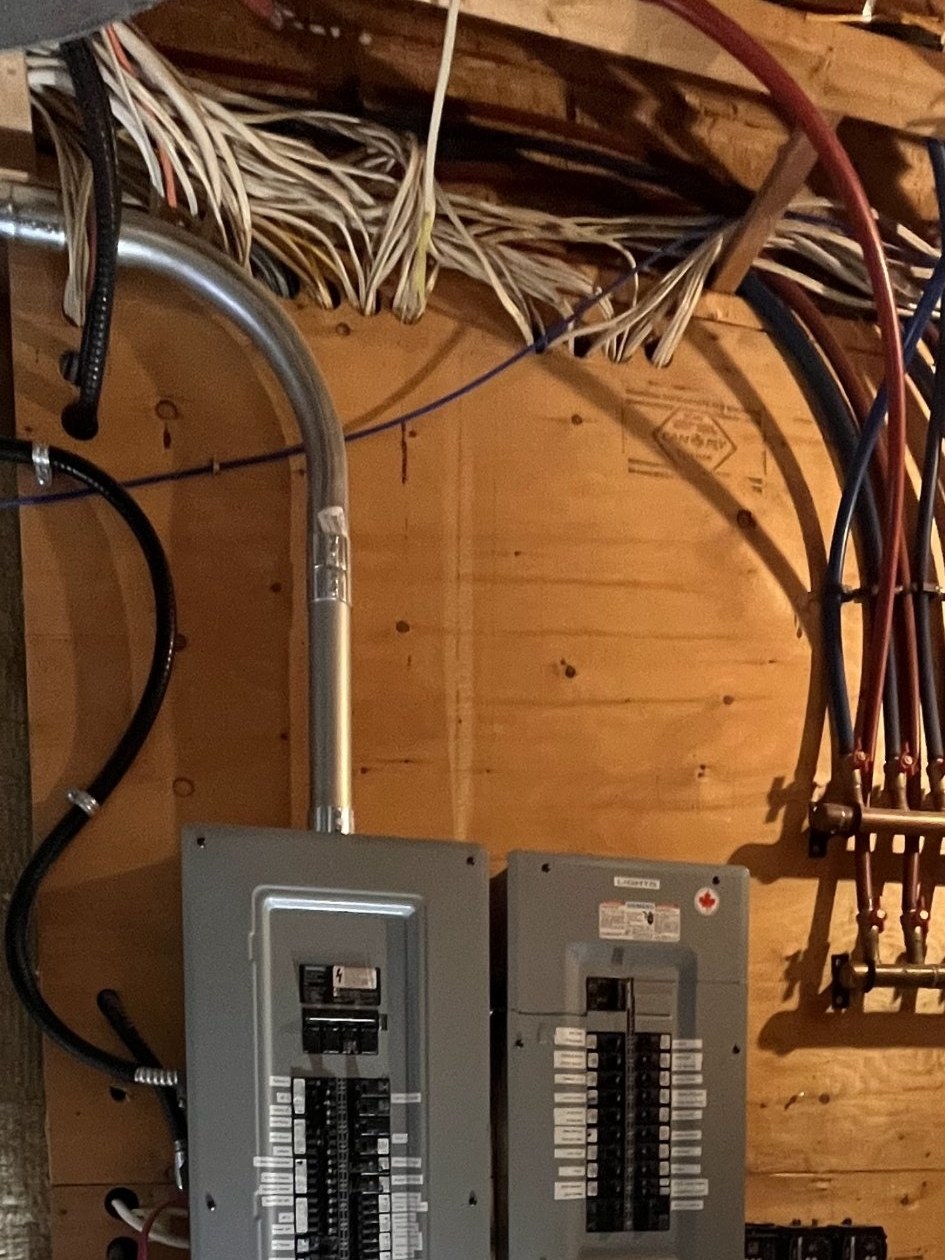
Ceiling above the panel
Show the ceiling directly above the panel — tells us the cable path.
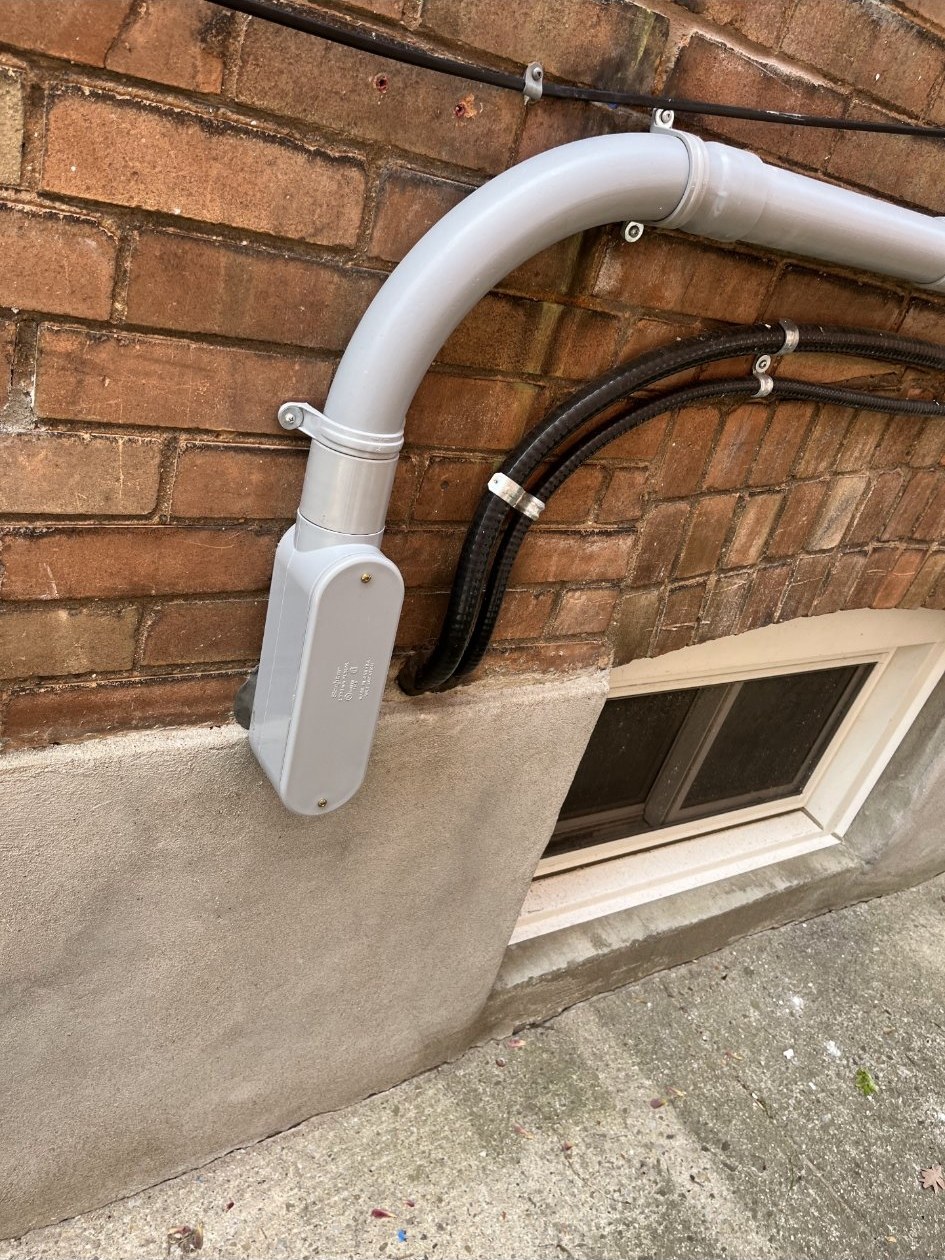
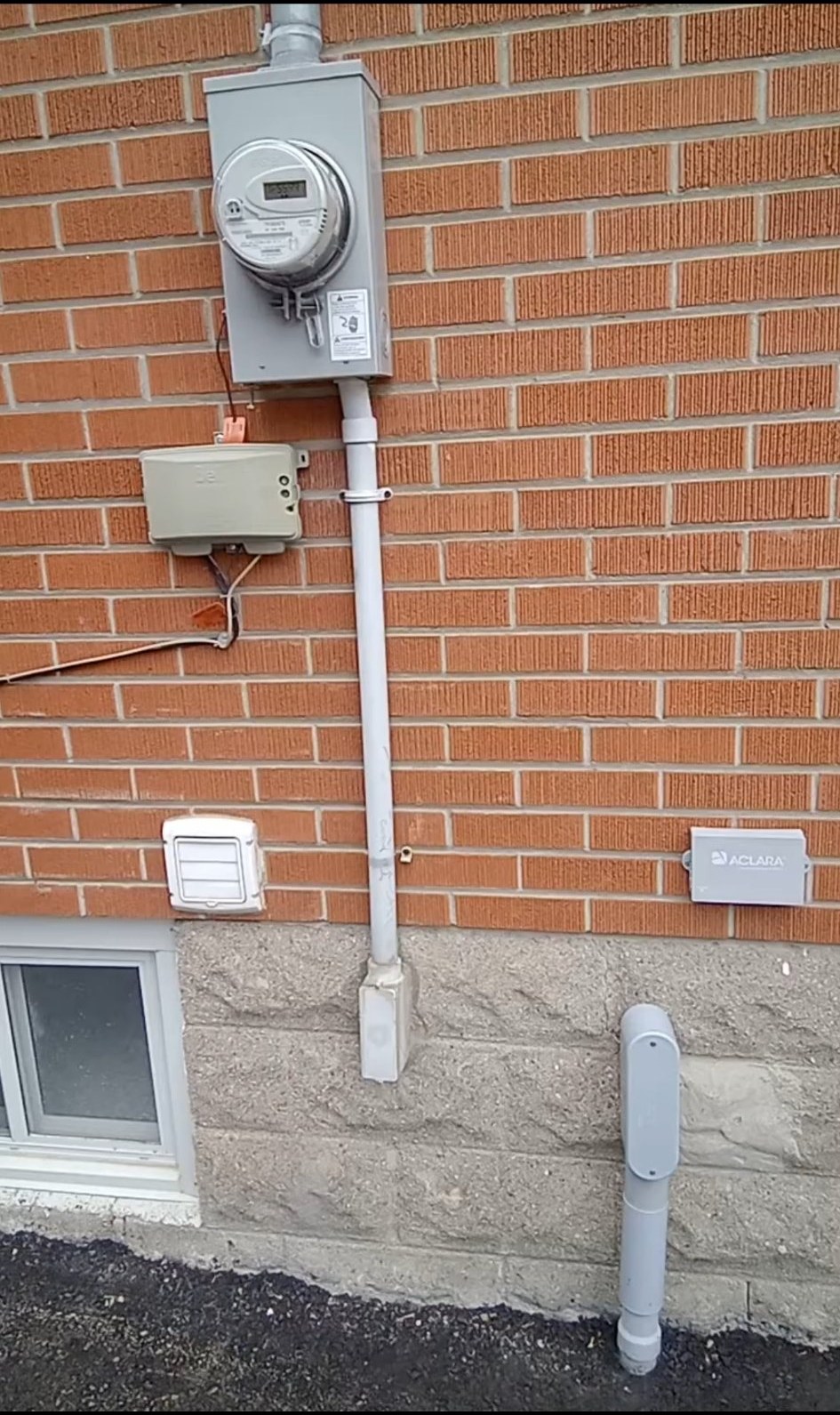
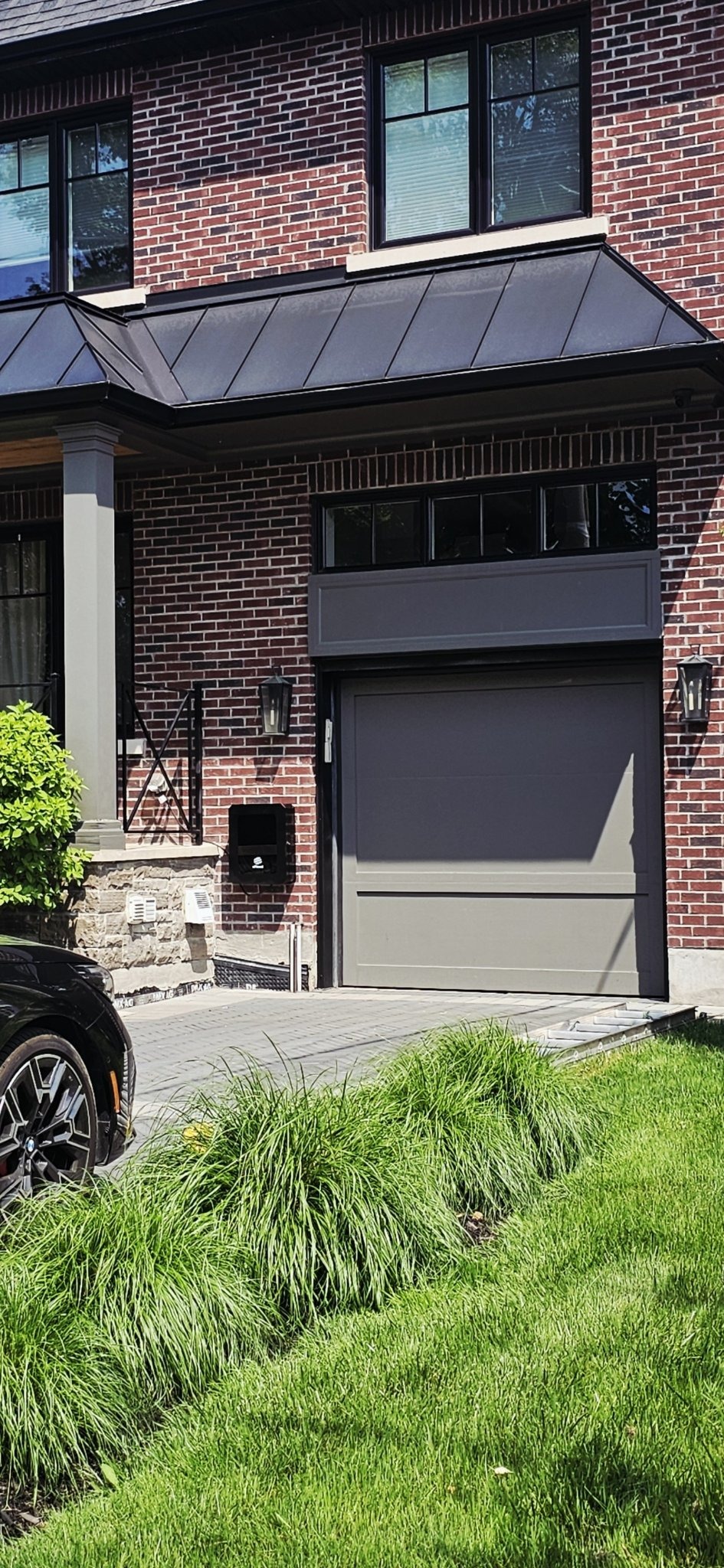
Service entrance
One wide shot of the whole area — the meter, the pipe running down from it, and where it enters the house, all in one frame, like the second example. Don’t zoom in on just the meter: it double-checks your service size, but the area around it is what we need. On some homes the panel is directly inside, below the meter; on others the run travels along the house first. This photo shows us which.
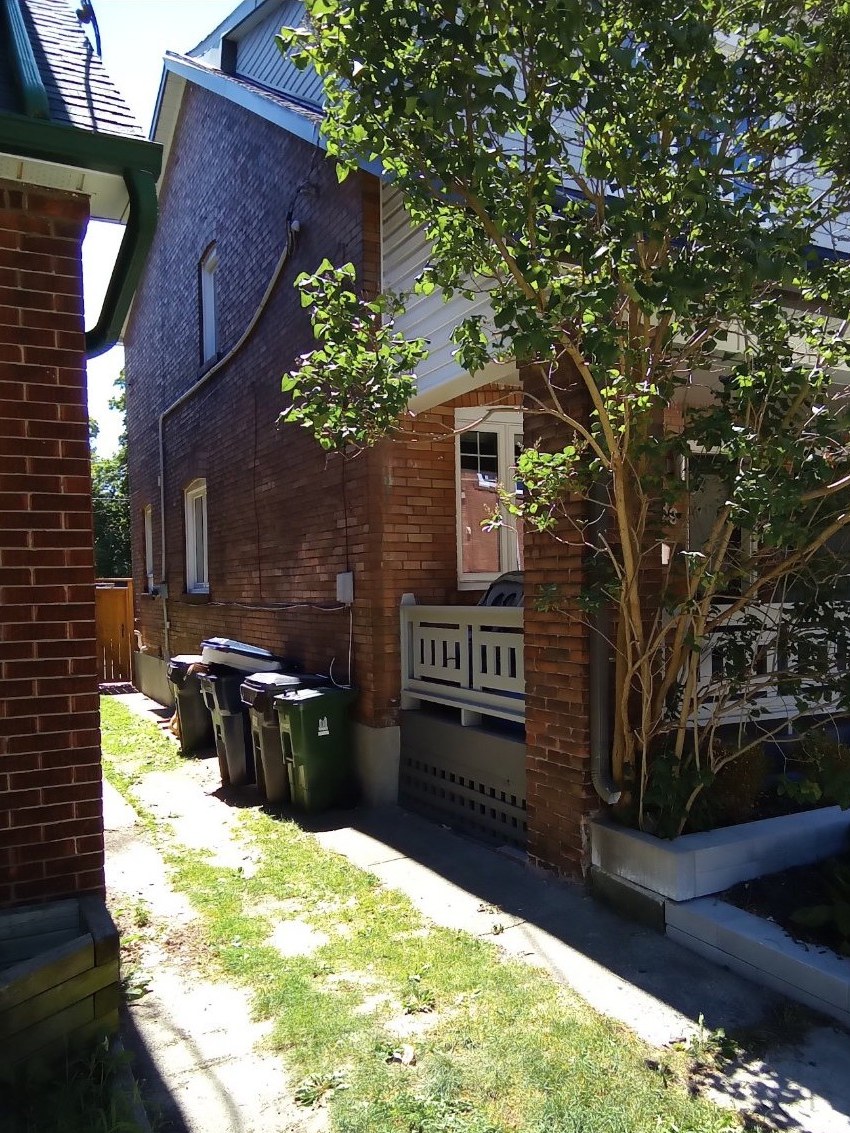
Parking spot
Where the car parks and charges — shows the charger location and cable run.
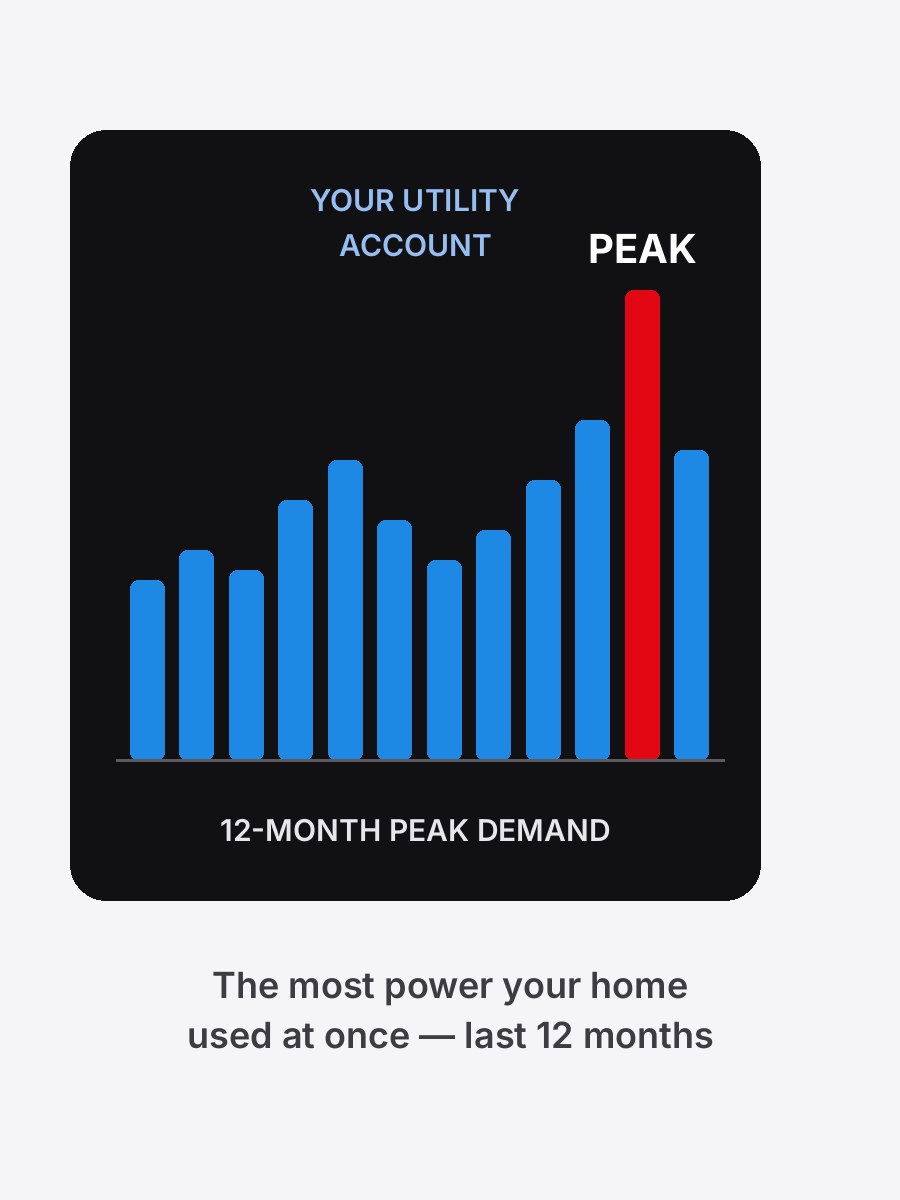
Your peak demand
One screenshot from your utility account. It shows the most power your home used at once in the last 12 months — that’s how we confirm your panel has room for a charger. It’s not on your bill. Toronto Hydro: log in → My usage → “Want to see your peak demand?” Alectra: Usage → Usage Overview → Hourly. Have the screenshot — or the CSV file — ready to send with your quote request.
Ready when you are:
Request a Quote →